Second Life
Rescuing retired gadgets, single-board computers, and legacy silicon to build sovereign, offline tools.
Timeline
2023 — Present
Role
Hardware & Systems Architecture
Context
Personal Hardware Lab
Hardware Target
Raspberry Pi & Legacy Mobile
ARM Cortex-A72 & ARM11 architecturesOverview
Over the years, tech enthusiasts accumulate a surplus of functional hardware—retired smartphones, older Raspberry Pis, and forgotten peripherals that languish in drawers despite having plenty of compute horsepower.
Second Life is an ongoing exploration into giving this hardware renewed utility. Rather than contributing to electronic waste, each board is assigned a focused, resilient role: off-grid knowledge servers, localized file hubs, mobile dev environments, and security auditing appliances.
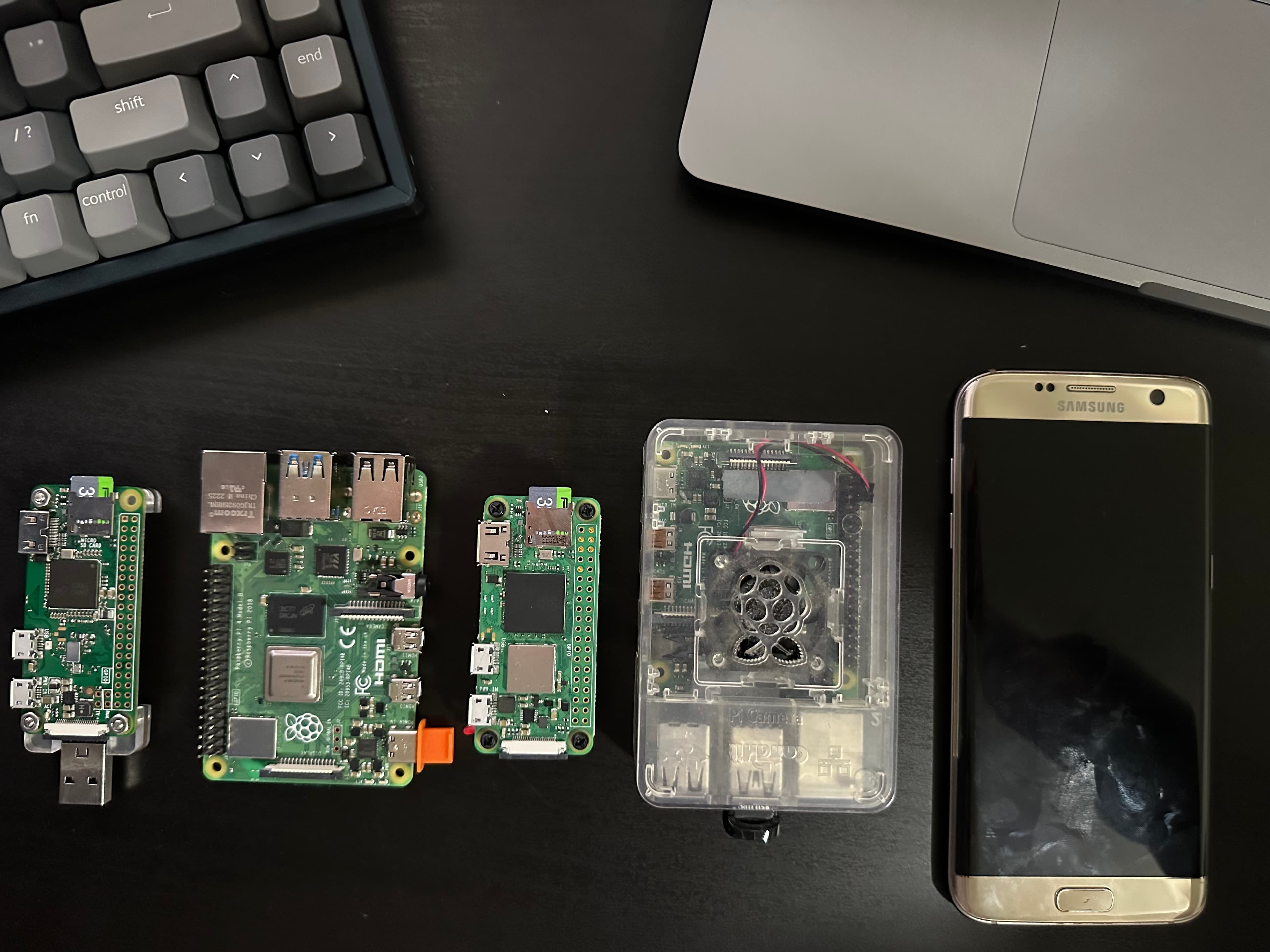
[Node 01] Pi Zero W • P4wnPi USB Pentest
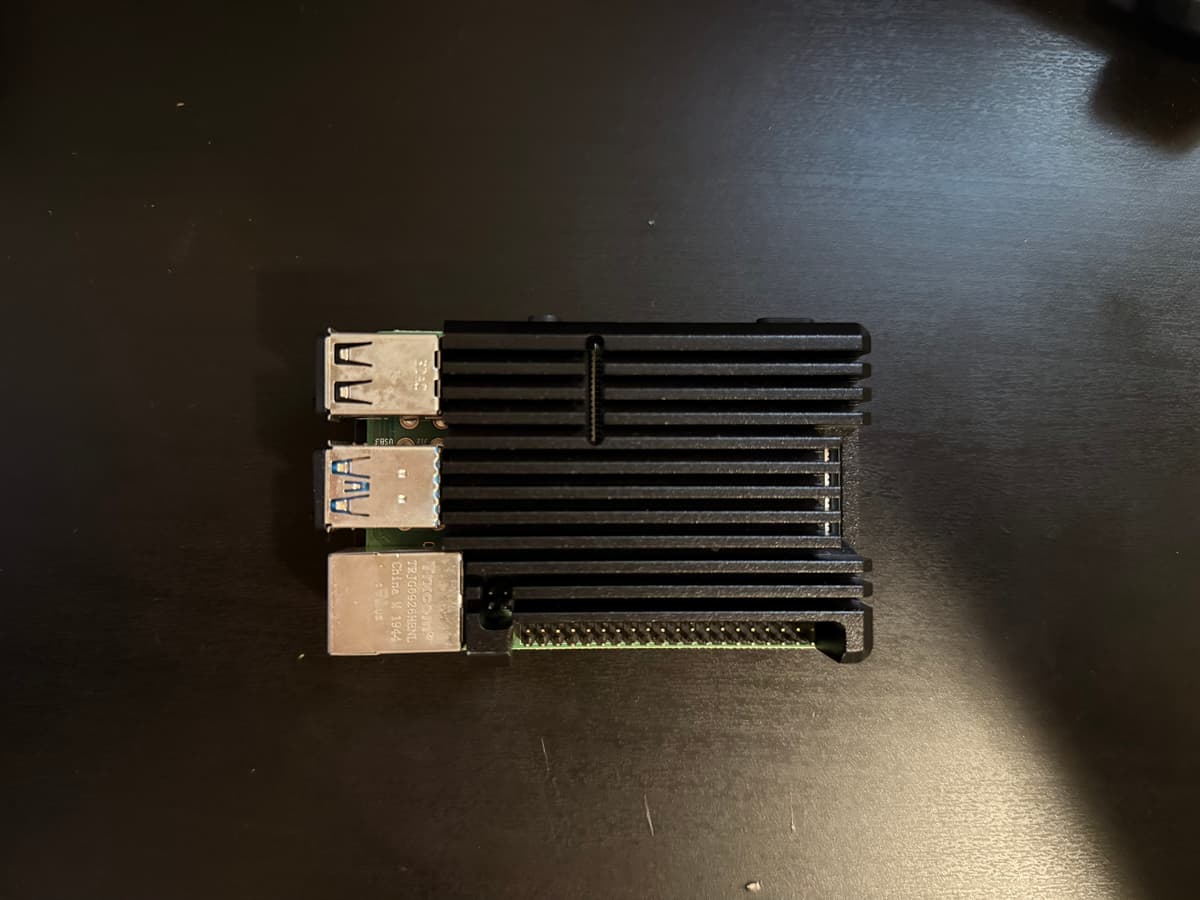
[Node 02] Pi 4B 8GB • Headless Dev Environment & Docker
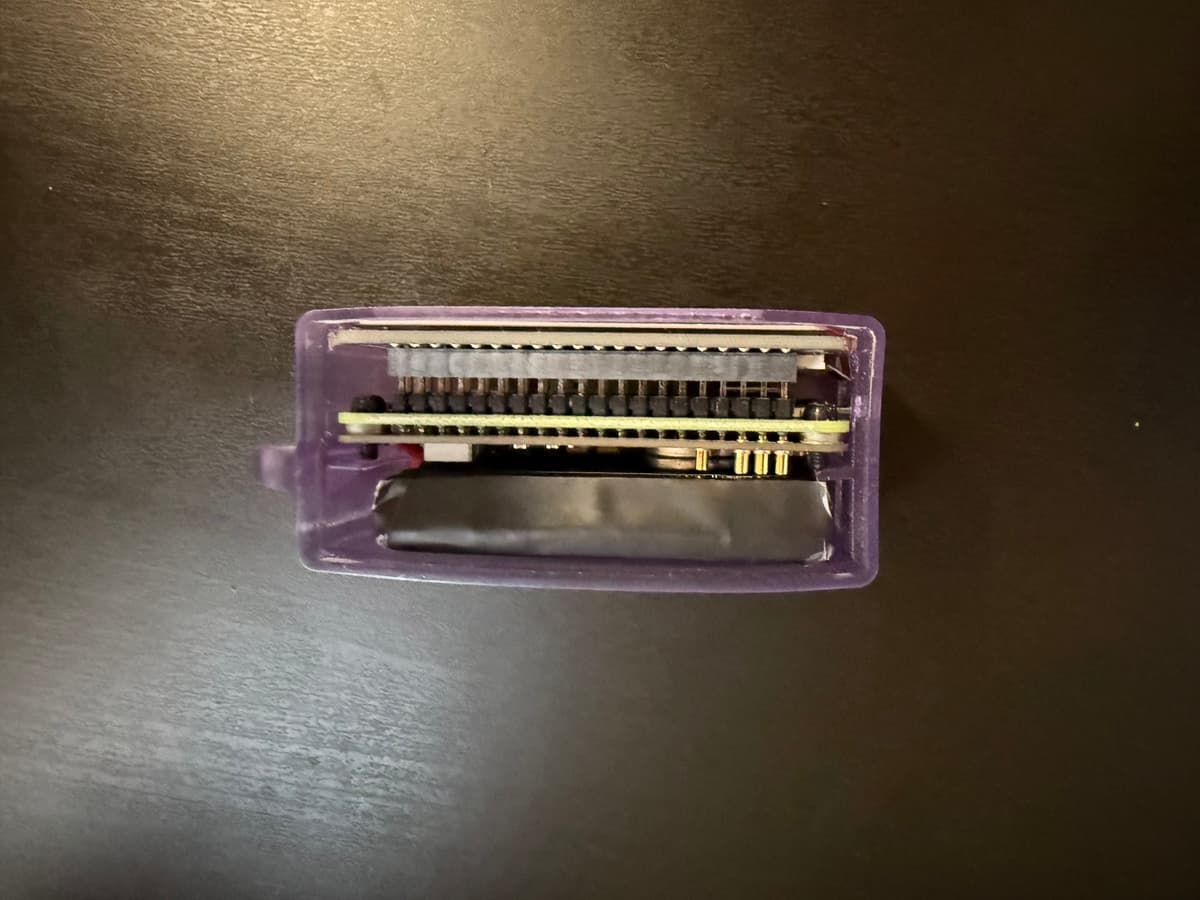
[Node 03] Pi Zero 2W • PiSugar Portable Power Node
[Node 04] Pi 4B 4GB • Internet-in-a-Box & Samba Cloud
[Node 05] Samsung Galaxy S7 Edge • Kiwix Offline Wikipedia
Core Implementations
Nextcloud on Raspberry Pi Zero
Transforming a pocket-sized single-board computer into an encrypted, self-hosted portable cloud storage node.
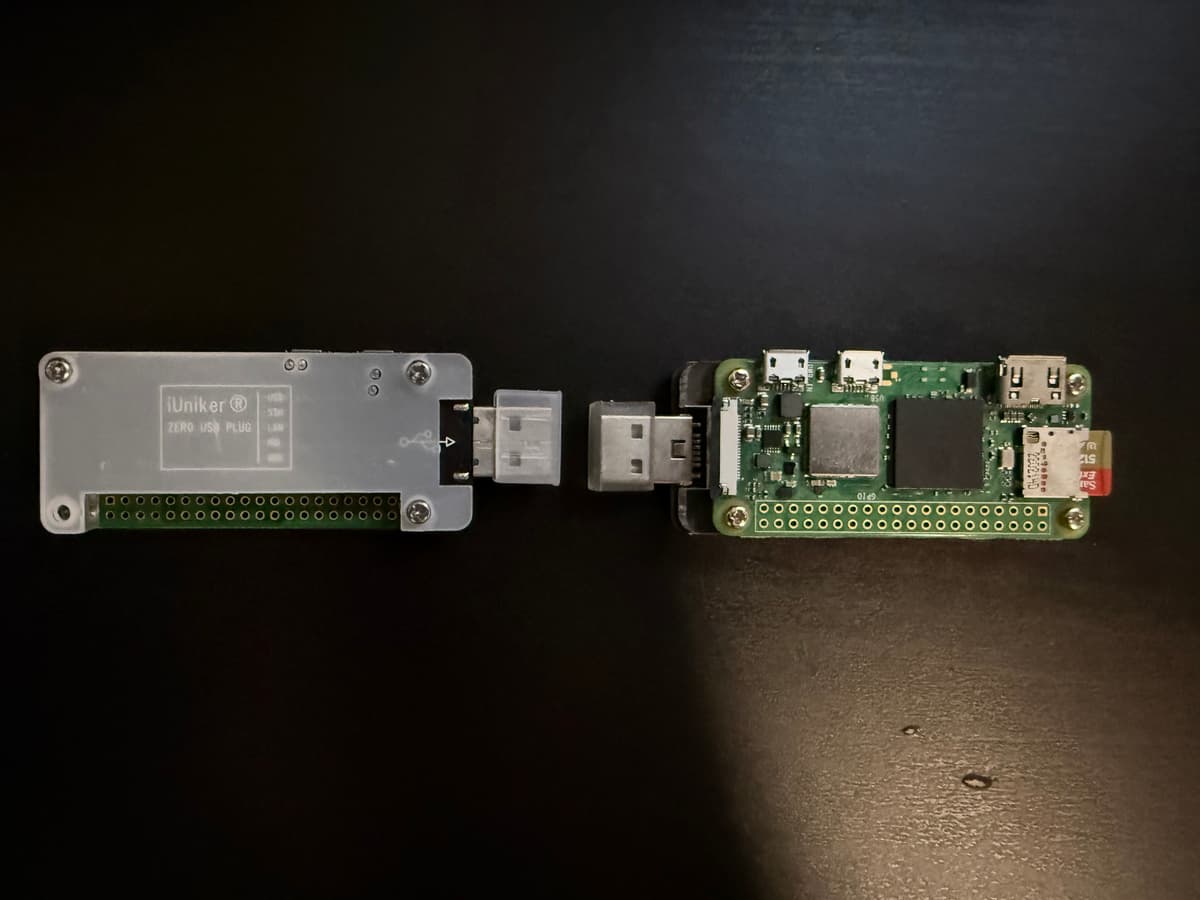
P4wnPi & USB Rubber Ducky
Converting the Raspberry Pi Zero W into an automated USB gadget tool for rapid payload execution and diagnostics.
Internet-in-a-Box (IIAB)
Turning a Raspberry Pi 4B into a standalone, off-grid digital library hosting Wikipedia, Khan Academy, and medical texts over local WiFi.
Kiwix on Repurposed Smartphones
Repurposing an old Samsung Galaxy S7 Edge as a dedicated offline reader capable of searching hundreds of gigabytes of ZIM archives.
Raspberry Pi 4B as iPad USB Gadget
Configuring ethernet-over-USB-C on a Pi 4B to establish a zero-latency, headless Linux developer environment powered directly by an iPad Pro.
Local Samba Hotspot Hub
A portable battery-powered Samba file hub equipped with an automated NetworkManager WiFi access point for field backups.
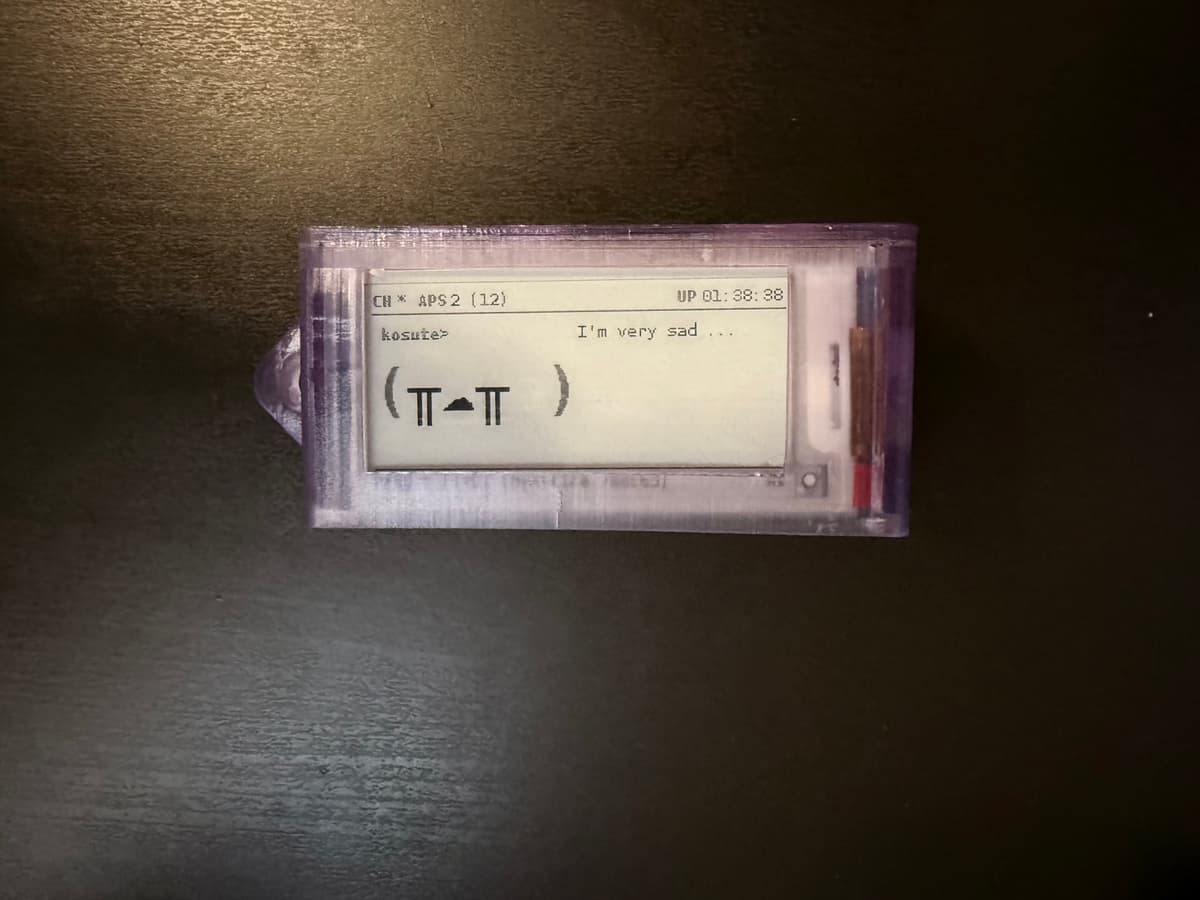
Pwngotchi Wireless Companion
An autonomous, wireless auditing tool powered by reinforcement learning (A2C) with an expressive e-paper personality.
Samba Hub & Hotspot Setup
When full Nextcloud instances prove too heavy for lightweight micro-nodes, configuring a streamlined Samba share paired with an automatic WiFi hotspot provides instant, zero-configuration local wireless storage.
# 1. Update and install Samba packages
sudo apt update && sudo apt upgrade -y
sudo apt install samba samba-common-bin -y

# 2. Configure dedicated storage share
mkdir -p ~/shared
sudo tee -a /etc/samba/smb.conf > /dev/null <<EOT
[0smbshare]
path = /home/ronny/shared
writeable = yes
browseable = yes
public = no
EOT

# 3. Create SMB user and start services
sudo smbpasswd -a ronny
sudo systemctl restart smbd

# 4. Broadcast dedicated ad-hoc WiFi access point
sudo nmcli device wifi hotspot ssid "SecondLife-Cloud" password "field-passcode-2025"
Hardware Capabilities & Specifications
| Subsystem | Architecture & Configuration |
|---|---|
| Compute Nodes | Raspberry Pi 4B (8GB & 4GB), Pi Zero W, Pi Zero 2W |
| Repurposed Mobile Device | Samsung Galaxy S7 Edge (Super AMOLED, dedicated Kiwix ZIM client) |
| Operating Systems | Raspberry Pi OS Lite (64-bit / 32-bit), DietPi, Kali Linux ARM |
| Power Architecture | PiSugar 2 Li-ion battery module, Anker USB-C PD power banks |
| Local Networking | NetworkManager ad-hoc WiFi Hotspot, Avahi mDNS, USB-C RNDIS Ethernet |
| Storage Subsystem | High-endurance MicroSD + external bus-powered SSDs |
| Deployed Services | NextcloudPi, IIAB, Kiwix, Samba (SMB3), P4wnP1, Pwngotchi |
Built With & Deployed
Explore More Hardware Projects
Read the comprehensive guide on building a portable Samba cloud or explore related hardware prototypes.